
Download Zodíaco de Zune Windows 7 Theme – Astrology-Inspired Desktop Personalization
Overview
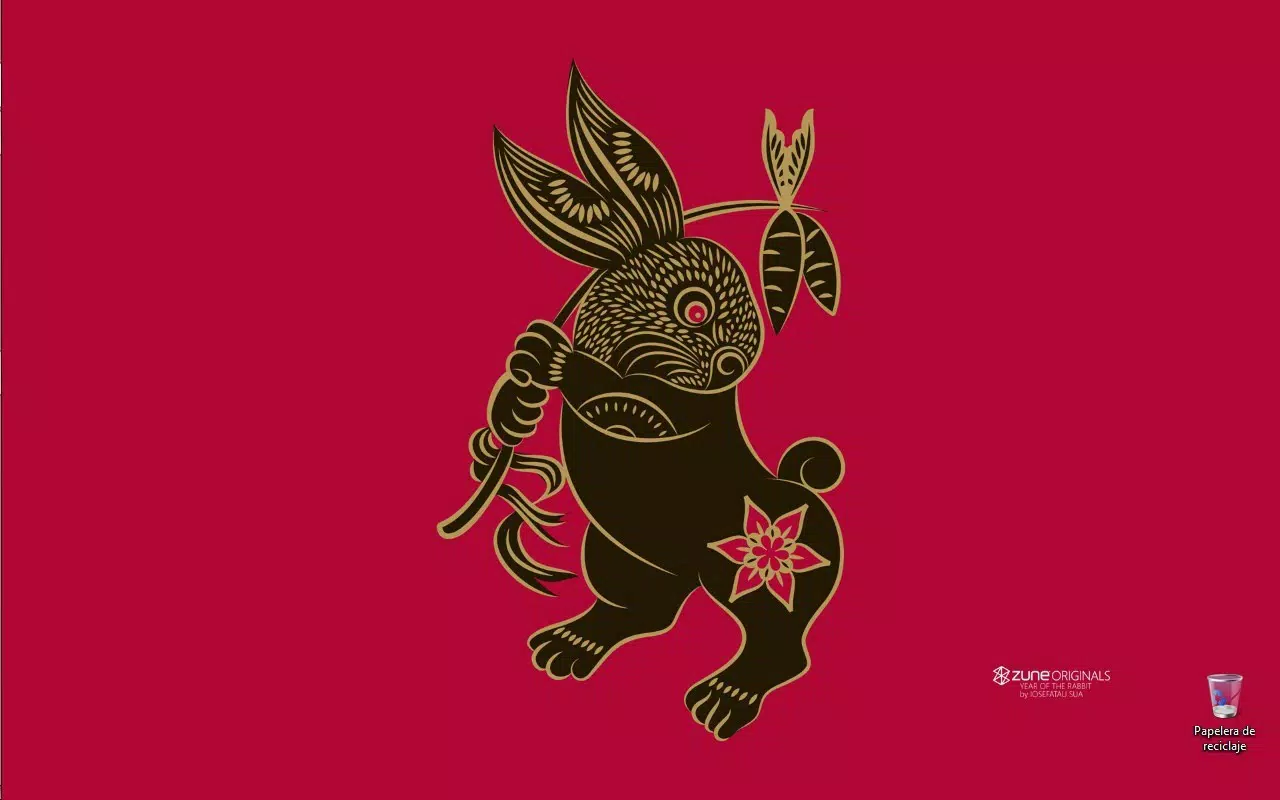
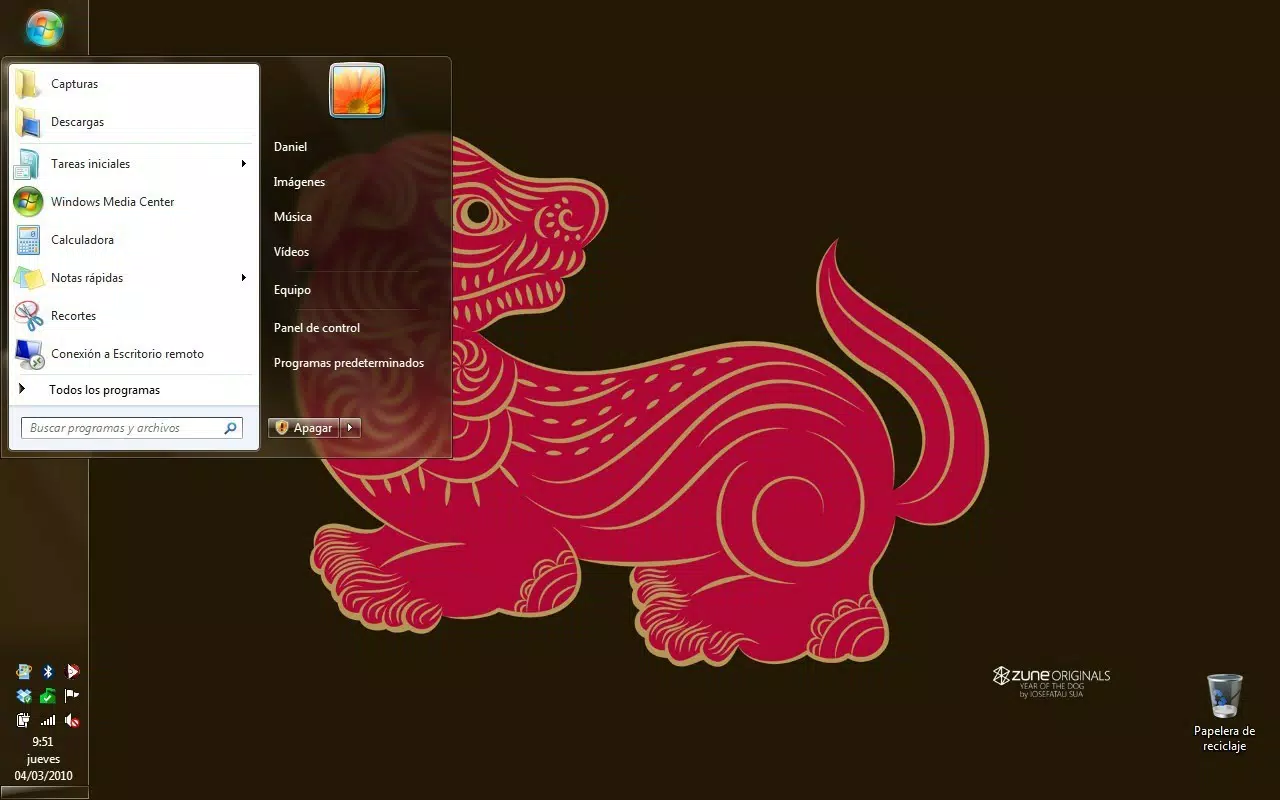
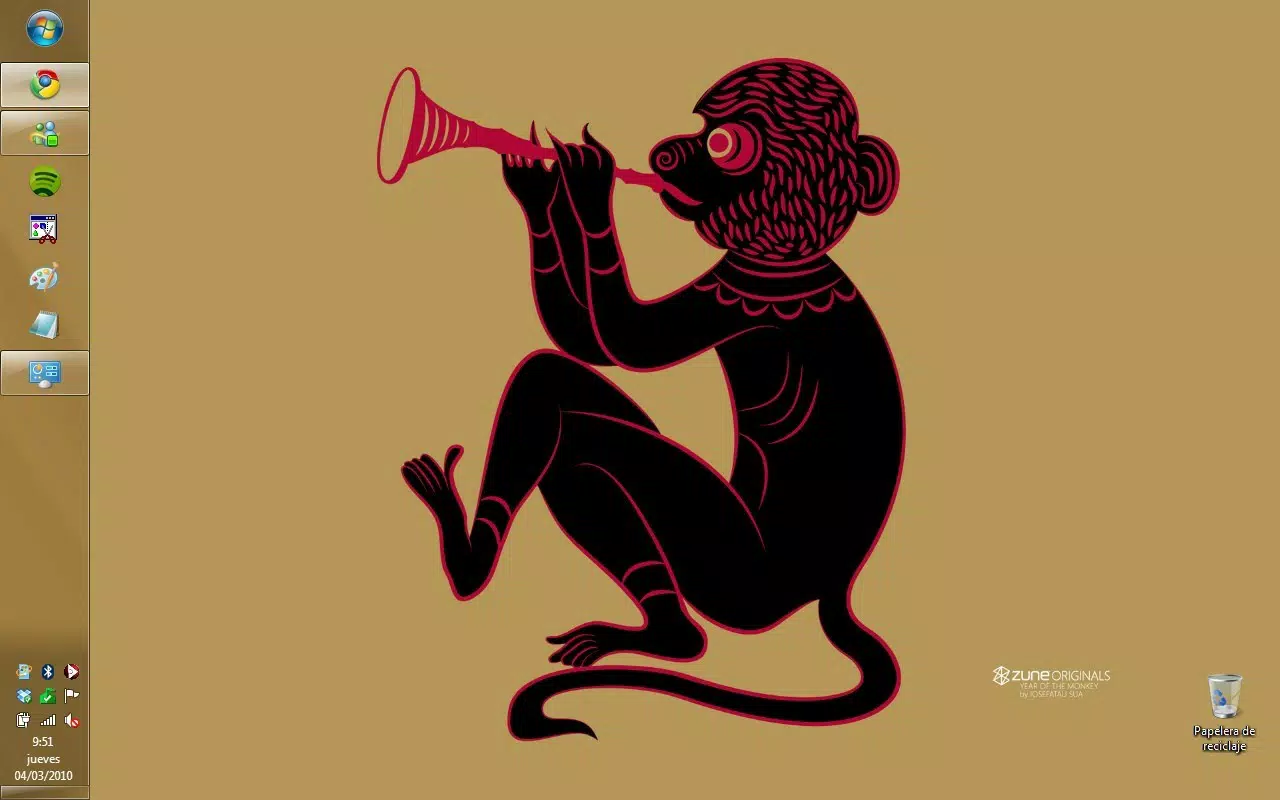
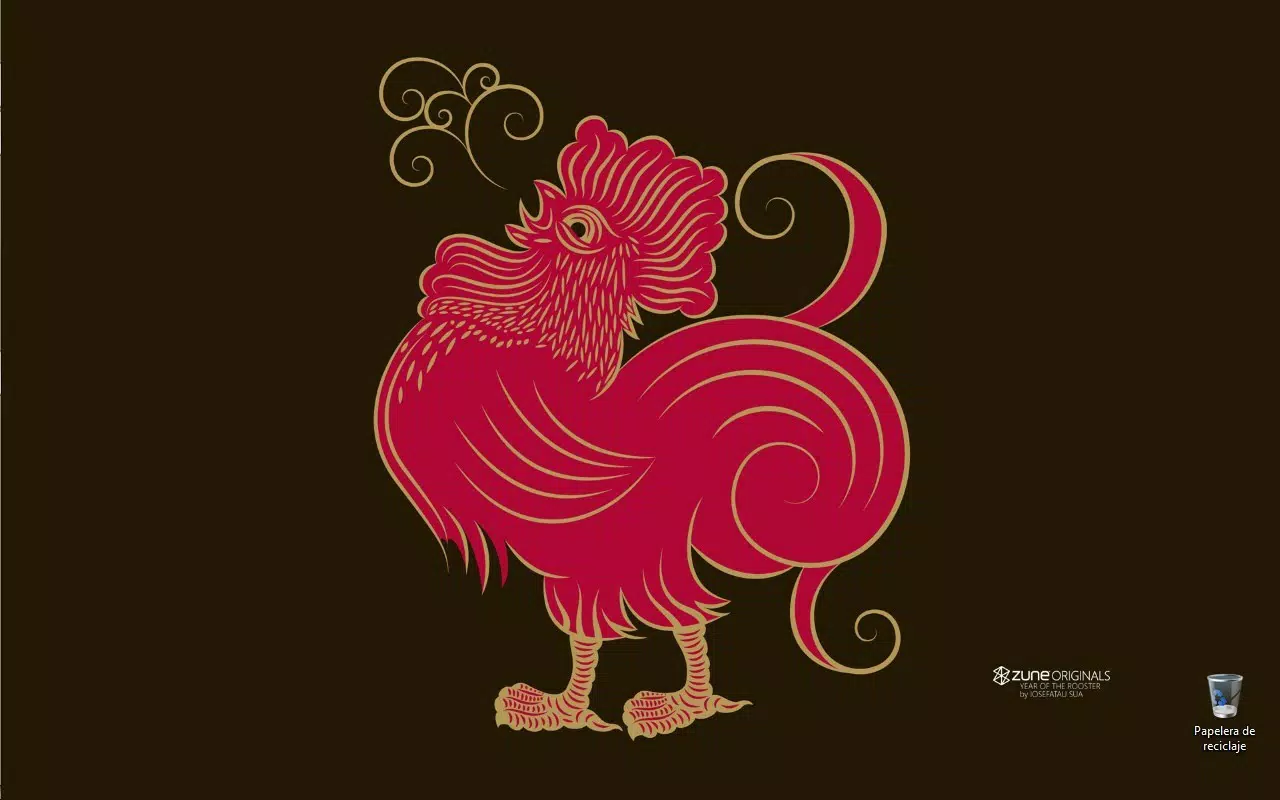
The Zodíaco de Zune Windows 7 Theme offers a unique approach to desktop personalization by blending astrology with modern design aesthetics. Designed for users who appreciate symbolic art and thematic consistency, this theme transforms the Windows 7 interface with a curated selection of the twelve Chinese zodiac signs. Each sign is rendered with attention to visual harmony, creating a cohesive and immersive experience for those who wish to express their astrological identity through their digital workspace.
It serves as a functional tool for personalization, helping users create a more engaging and expressive computing environment. The theme is particularly relevant for individuals who follow astrology, enjoy symbolic art, or seek to differentiate their digital space from standard system defaults. By integrating zodiac motifs into core interface elements, it turns routine tasks into moments of aesthetic appreciation.
The developer did not provide additional technical details. However, the theme’s release date of March 4, 2010, indicates it was created during a period when custom themes were popular among Windows 7 users. Its continued presence in niche communities suggests enduring appeal. Although the developer did not list formal performance metrics, the theme’s minimal file size and simple visual elements imply low system impact, making it suitable for older or resource-constrained machines.
Key Features & Functionality
- Astrology-Inspired Design: The theme centers on the twelve Chinese zodiac symbols—Rat, Ox, Tiger, Rabbit, Dragon, Snake, Horse, Goat, Monkey, Rooster, Dog, and Pig—each meticulously rendered to reflect modern design sensibilities. This creates a thematic continuity across the desktop, taskbar, and window elements.
- Modern Color Palette: A vibrant combination of fuchsia, black, and white forms the visual foundation. This palette balances energy and elegance, ensuring the theme remains visually striking without causing eye strain during extended use.
- Neutral Window Colors: The window frame and title bar colors are kept neutral to avoid visual clutter. This design choice ensures that application content remains the focal point, supporting productivity while maintaining thematic consistency.
- Cohesive Symbol Arrangement: The zodiac signs are arranged in a logical, sequential order across the desktop background and interface elements. This thoughtful layout enhances navigability and reinforces the theme’s identity as a complete astrological experience.
- Easy Installation: The theme is designed for straightforward deployment. Users can download the file and apply it directly through the Windows 7 theme settings, requiring no advanced technical knowledge or additional software.
Real-world use cases include personal desktop customization for astrology enthusiasts, digital artists seeking thematic inspiration, and users who value aesthetic consistency across their computing environment. The theme is ideal for those who want a subtle yet meaningful way to reflect their interests without compromising system performance.
Interface, UX & Performance
The interface of the Zodíaco de Zune Windows 7 Theme is built around visual coherence and functional simplicity. The desktop background integrates the zodiac symbols in a balanced composition, ensuring they do not interfere with icon visibility or window placement. Navigation remains consistent with standard Windows 7 behaviors, preserving user familiarity.
The visual style emphasizes clean lines and high contrast, enhancing readability. The use of fuchsia against black and white backgrounds provides sufficient visual distinction while maintaining a sophisticated tone. The theme’s minimalistic approach to animation and effects contributes to a stable and responsive user experience.
Although the developer did not list formal performance metrics, the theme’s design suggests low resource consumption. Its lightweight nature implies compatibility with a wide range of Windows 7 systems, including those with limited RAM or older graphics hardware. The absence of complex animations or dynamic elements further supports smooth operation across different device categories.
Stability is likely high, given the theme’s static nature and reliance on standard Windows 7 theming tools. Users can expect consistent behavior across sessions, with no reported issues related to crashes or interface corruption. The neutral window colors also contribute to long-term usability by reducing visual fatigue during prolonged use.
Platform Compatibility & Technical Requirements
The Zodíaco de Zune Windows 7 Theme is designed exclusively for Windows 7. The developer did not specify minimum OS requirements or exact file size. However, based on its release date and nature as a static theme, it is likely compatible with all major editions of Windows 7, including Home, Professional, and Ultimate.
Compatibility with 32-bit and 64-bit systems is assumed due to the standard nature of Windows 7 theme files. No additional software or plugins are required for installation or operation. The developer did not list specific hardware requirements, but the theme’s lightweight design suggests it will function on systems with modest specifications.
Updates to the theme have not been reported since its release in 2010. Users should be aware that it may not support future Windows versions or newer security protocols. For current systems, compatibility may require legacy mode or compatibility settings.
Pros and Cons
- Unique astrology-themed design with full zodiac representation
- Modern, vibrant color palette that remains visually balanced
- Neutral window colors enhance focus and productivity
- Simple, one-click installation process
- Low system resource usage and stable performance
- Only compatible with Windows 7 (no support for newer OS versions)
- No official updates since 2010
- Design may not appeal to users who prefer minimalist or neutral themes
- Limited customization options beyond theme application
- Not available on modern app stores or official platforms
FAQ
Is the Zodíaco de Zune Windows 7 Theme safe to download?
The theme is a standard Windows 7 .theme file. As long as it is downloaded from a trusted source, it poses no security risk. It does not contain executable code or malware.
Can I use this theme on Windows 10 or Windows 11?
While the theme may technically be applied on newer Windows versions, it is not officially supported. Compatibility is not guaranteed, and some visual elements may not render correctly.
Do I need to install additional software to use this theme?
No. The theme is designed to be applied directly through Windows 7’s built-in theme settings. No third-party tools or plugins are required.
Is the theme free to use?
Yes, the theme is available at no cost. It does not require a subscription or in-app purchases.
How do I install the Zodíaco de Zune Windows 7 Theme?
Download the theme file, right-click it, and select “Install.” Then, go to Desktop Settings and choose the theme from the list of available themes.
Final Thoughts
The Zodíaco de Zune Windows 7 Theme stands out as a thoughtful fusion of cultural symbolism and digital aesthetics. For users who value personal expression and enjoy the mystical charm of astrology, it offers a meaningful way to personalize their computing environment. Its elegant design, balanced color scheme, and functional layout make it a standout choice among legacy themes.
While it is limited to Windows 7 and lacks modern updates, its enduring appeal lies in its simplicity and thematic integrity. It is ideal for retro computing enthusiasts, astrology lovers, and anyone seeking a distinctive desktop experience without performance trade-offs.
Despite its age, the theme remains relevant for niche audiences who appreciate curated design and cultural motifs. Its ease of use and low system impact further enhance its value.
Download Zodíaco de Zune Windows 7 Theme now


